

Upload your audio files: interviews, depositions, earnings calls, clinical recordings. Get clean, punctuated transcripts with optional speaker labels. Upload up to 50 files at a time on paid plans, or import from Google Drive or Dropbox. Supports MP3, WAV, M4A, FLAC, OGG, AAC, and WMA.
No credit card required · Try it free
Operator: Good afternoon, everyone. Welcome to our fourth quarter earnings call.
CFO: Revenue grew 18% year-over-year, driven primarily by enterprise expansion in EMEA and APAC.
Analyst: Could you elaborate on the margin improvement? What’s driving the 340 basis point increase?










Drop your audio files, up to 50 at a time on paid plans, or import them from Google Drive or Dropbox. Fluen auto-detects the language and starts transcribing. Supports MP3, WAV, M4A, FLAC, OGG, AAC, and WMA. Batch processing runs in the background.
Your transcript appears in our built-in editor, with its own audio player and playback sync. Punctuation, paragraph breaks, and speaker labels (if you turned them on) are already in place. Apply your custom glossary for domain-specific terms.
Download a TXT, Word, or PDF transcript grouped by speaker, or subtitles in 7 formats. Or automate your pipeline with Zapier or our REST API, ideal for recurring content libraries.
Fluen’s Custom Glossary ensures domain-specific terms appear exactly as they should. No more correcting “HIPAA” to “hippo” or “amortization” to “a mortization.”
The deponent testified that the force majeure clause was invoked following the breach of fiduciary duty allegation. Counsel moved for a motion in limine to exclude the hearsay evidence obtained during the voir dire proceedings.
— Were the interrogatories served within the discovery deadline?
Yes, all interrogatories and requests for admission were filed pursuant to Rule 36 of the Federal Rules of Civil Procedure.
Patient presents with bilateral pulmonary embolism confirmed via CT pulmonary angiography. Initial troponin I was elevated at 0.42 ng/mL. We initiated the heparin protocol and ordered serial D-dimer measurements.
— Is there concern for right ventricular dysfunction?
Echo showed mild RV dilation with preserved TAPSE. We’ll reassess with repeat echocardiography at 48 hours per the ESC guidelines.
Looking at the EBITDA margin expansion, we achieved 340 basis points of improvement year-over-year. The free cash flow conversion was 92%, well above our guidance range of 85 to 90 percent.
— Can you speak to the amortization of the goodwill from the Q2 acquisition?
The purchase price allocation is still being finalized, but preliminary intangible asset amortization is running at approximately $12 million per quarter on a straight-line basis.
We migrated the inference pipeline to Kubernetes with autoscaling based on GPU utilization thresholds. The latency P99 dropped from 1,200 milliseconds to 340 milliseconds after switching to gRPC over REST.
— What about the model quantization impact on accuracy?
INT8 quantization showed less than 0.3% WER degradation compared to the FP16 baseline, while reducing VRAM usage by 40 percent.
| Manual Service | Basic AI Tool | Free Converter | Fluen AI | |
|---|---|---|---|---|
| Accuracy | ~99% (human) | 85–92% | 75–85% | Up to 99.4% |
| Turnaround | 24–72 hours | Minutes | Minutes | Minutes (production-ready) |
| Jargon Handling | Specialist needed | No glossary | No glossary | Custom glossary per project |
| Speaker Detection | Manual tagging | Basic | None | Named speaker labels |
| Batch Processing | Per-file pricing | Limited | One file at a time | Up to 50 files per upload |
| Editing Tools | Email revisions | Basic editor | Copy-paste | Built-in editor with playback sync |
| API Access | None | Varies | None | REST API + Zapier |
| Cost | $1–3 per minute | $0.10–0.30/min | Free (limited) | From $0.19/min |
Fluen regularly benchmarks five leading speech engines (ElevenLabs, Speechmatics, Deepgram, AssemblyAI, and OpenAI) and routes each language to the one that handles it best. Speakers switch languages? Turn on Multi-language audio at upload.
Turn on speaker labels at upload and Fluen detects every distinct voice in interviews, depositions, and multi-person recordings. Choose name labels or dashes: transcripts are grouped into paragraphs by speaker, and subtitle files show names as [Speaker Name]. Rename or reassign speakers in the editor before you export. Powered by an industry-leading speaker recognition model.
Upload up to 50 files at a time on paid plans, or import them from Google Drive or Dropbox. Fluen processes them in the background, ideal for working through large audio archives.
Define how legal terms, medical jargon, brand names, and technical vocabulary should appear in your transcripts.
Review your transcript in the editor's dedicated audio player, synced to the text. Edit inline, click the timeline to jump to any moment, and fix any rare errors before export.
Automate your transcription pipeline with our REST API, or connect Fluen to thousands of apps with Zapier. Submit files, check their status, and fetch the finished subtitles automatically.

Interviews, field recordings, press briefings, podcasts

Depositions, hearings, compliance calls, witness statements

Focus groups, patient interviews, clinical dictation, academic lectures
Earnings calls, board meetings, training recordings, podcast episodes
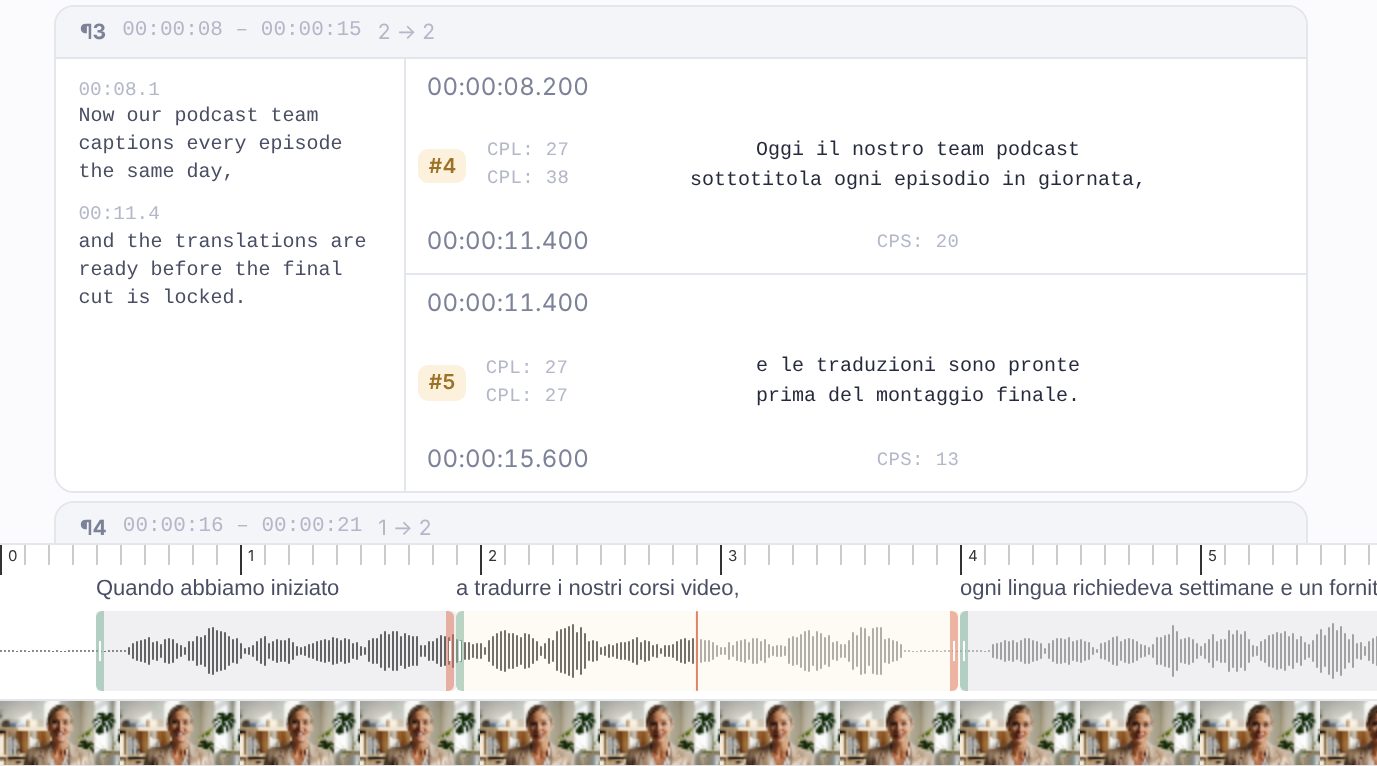
Fluen handles video transcription with the same accuracy, speaker labels, and batch processing. Same workflow, same quality.
Explore Video Transcription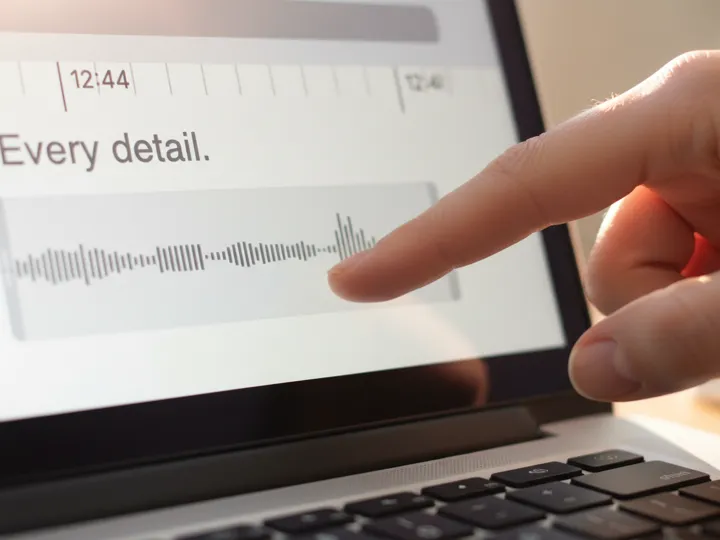
Translate your content into 50+ languages with context-aware AI. Natural, properly segmented results ready for global distribution.
Explore TranslationFluen achieves up to 99.4% accuracy. We regularly benchmark five leading speech engines and route each language to the one that handles it best, so you’re not locked into a single AI. Transcripts include proper punctuation, capitalization, clean paragraph breaks, and optional speaker labels.
Fluen supports all major audio formats including MP3, WAV, M4A, FLAC, OGG, AAC, and WMA. You can also upload video files (MP4, MOV, MKV, AVI) and Fluen will extract and transcribe the audio track automatically. You can also import files from Google Drive or Dropbox.
Yes. On paid plans you can upload up to 50 files at a time, or import them from Google Drive or Dropbox, and they’ll be queued and transcribed in the background. You’ll be notified as each transcript is ready for review, and Zapier or our API can automate new uploads. This is ideal for teams processing interview libraries, meeting archives, or podcast back-catalogs.
The Custom Glossary lets you define how domain-specific terms should appear in your transcripts. Add legal terminology, medical jargon, brand names, financial acronyms, or any specialized vocabulary. Fluen will recognize and render these terms correctly, eliminating the most common source of transcription errors in professional content.
Yes. Speaker labels are off by default: turn them on when you upload, or set them as a workspace default, and Fluen detects every distinct voice in your file using an industry-leading speaker recognition model. Choose name labels or classic dash markers. Transcripts are grouped into paragraphs by speaker, and subtitle files show names as [Speaker Name]. You can rename or reassign speakers in the editor before exporting. Especially useful for depositions, interviews, meetings, and panel discussions.
Yes. Fluen’s REST API lets you submit audio files, check processing status, and download the finished subtitles programmatically, and our Zapier integration connects Fluen to thousands of other apps without code. This is ideal for teams with recurring content pipelines: podcast networks, legal departments, corporate communications teams, and any workflow that benefits from automation. View API docs → See the Zapier integration →
Most files are processed in minutes. A 60-minute audio recording typically takes 3–5 minutes to transcribe. Processing time depends on file length, recording quality, and the AI engine selected. Batch files are processed in parallel, so large queues complete faster than you’d expect.
Yes. The free plan lets you transcribe and translate 3 files (up to 90 minutes each) and review the results in the editor, no credit card required. Downloading transcripts or subtitles, exporting video and importing your own SRT files require a paid plan. See pricing →
Upload your first file free. No credit card, no commitment, no waiting.
Or compare plans