

A track's font is part of its caption style, which you open from the Caption style button under the video. You can take the font that comes with a preset, or pick any of the 72 fonts yourself. Changes show immediately in the player and are used as they are in the burned-in video export. This guide also lists every font available and explains how Fluen handles languages with their own scripts.
Open the Caption style panel
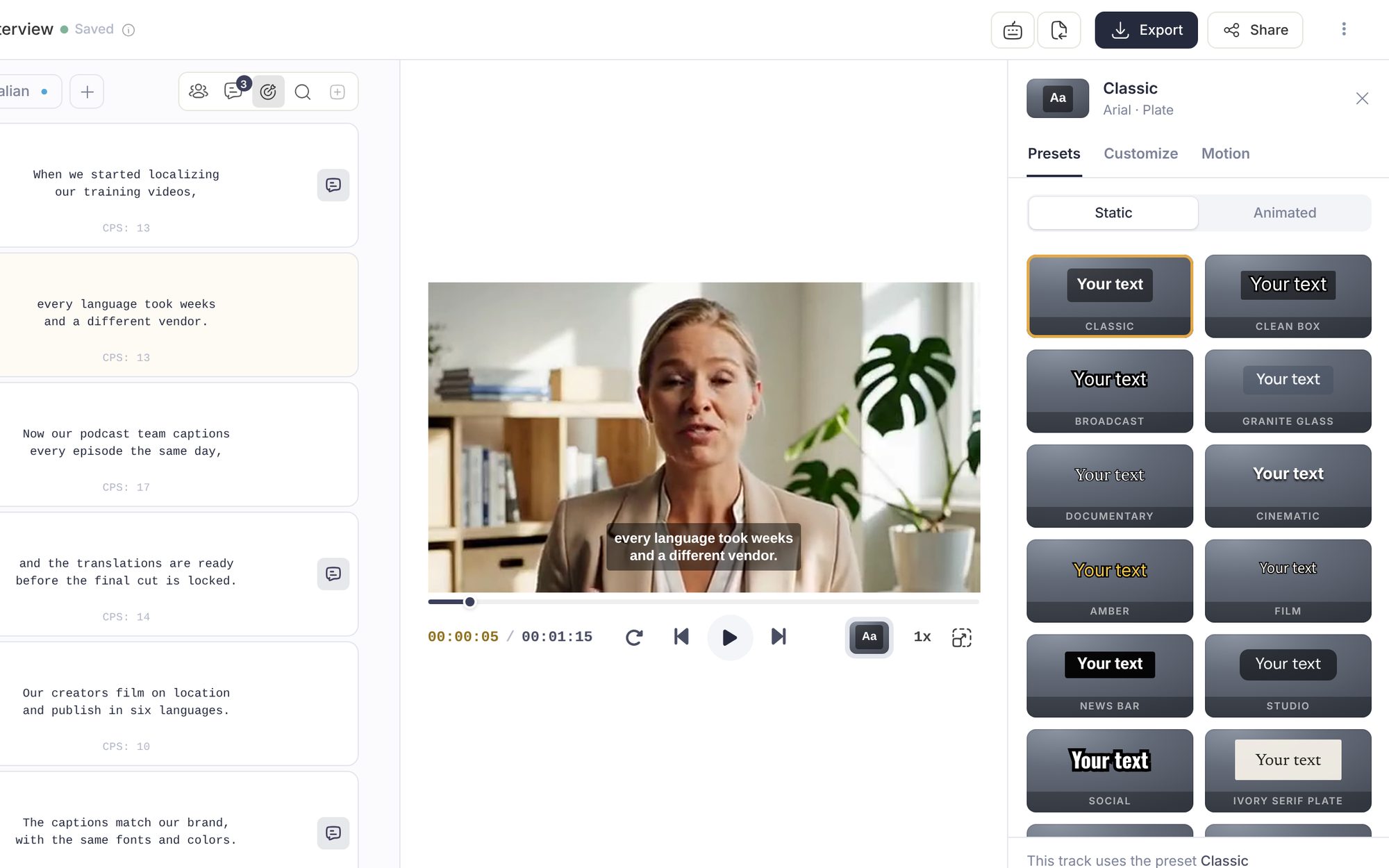
In the editor, click Caption style in the row under the video. The button shows a small sample of the current style and its name. The panel opens beside the video with three tabs: Presets, Customize and Motion. Whatever you change here applies to the whole track.
Start from a preset
The quickest way to a finished look is a preset. The Presets tab has more than 30, split into Static (captions that appear whole) and Animated (words that move as they are spoken). Click one to apply it: each preset brings its own font, colours, background and size, fitted to your video's picture. If you prefer what you had, click Undo at the bottom of the panel. Presets are covered in full in Caption styles and dynamic captions.
Choose the font yourself
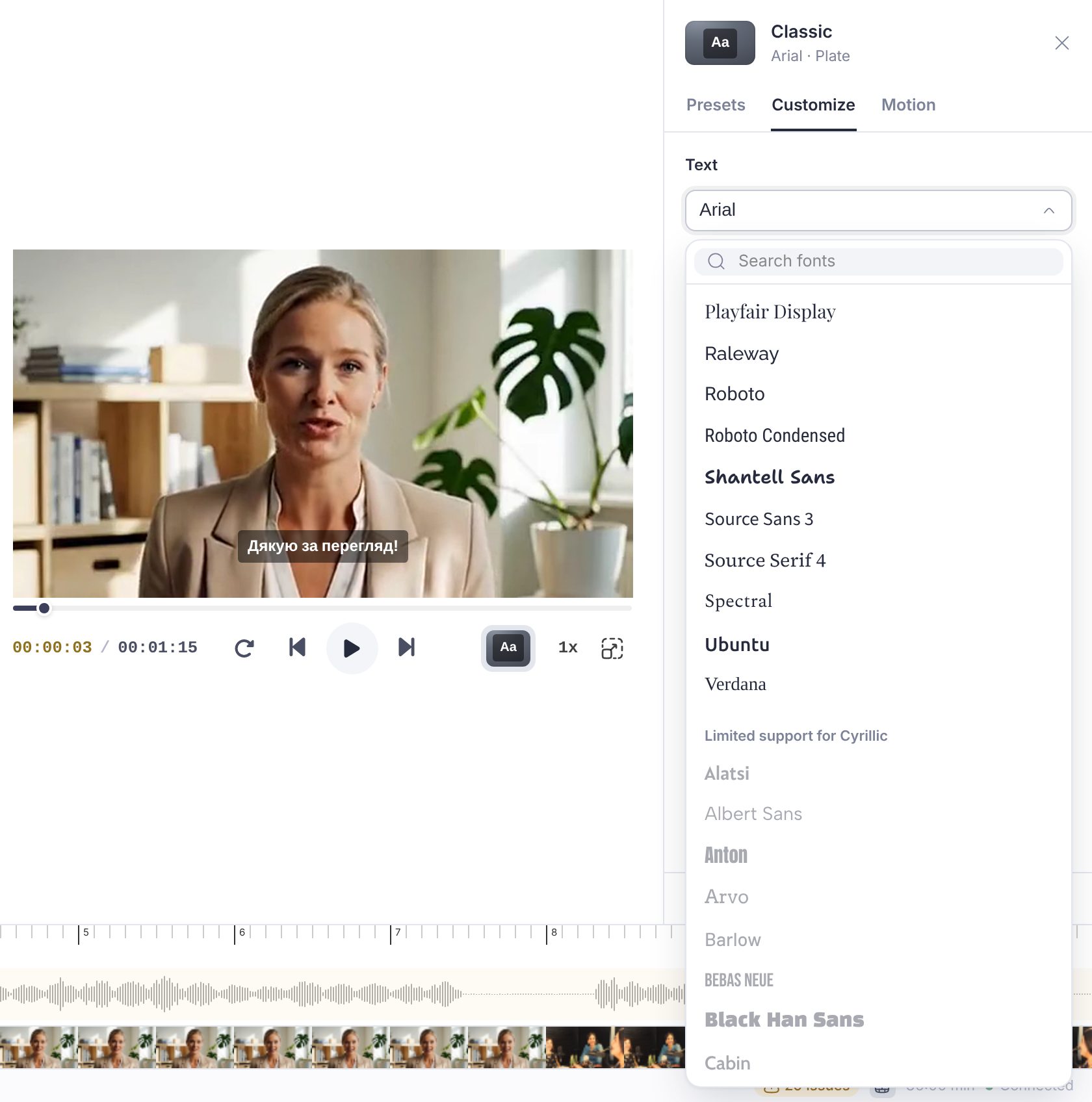
Open the Customize tab. The first section, Text, starts with the font menu. Each option is drawn in its own typeface, and the search box at the top filters the list as you type. Fonts are grouped into Popular, All fonts, and a greyed-out Limited support group for fonts that cannot display every character of the track's language (those cannot be selected, so you never end up with missing letters in an export).
Below the font menu, the same section sets the weight, italic, all caps, the text Colour, the Size, the Line height and the Letter spacing. Outline, shadow, background plate and full-width frames have their own sections further down the tab.
The floating toolbar that appears when you click a subtitle on the video also has a font menu, a size slider and the text colour, for quick changes without opening the panel.
Make it the default for new videos
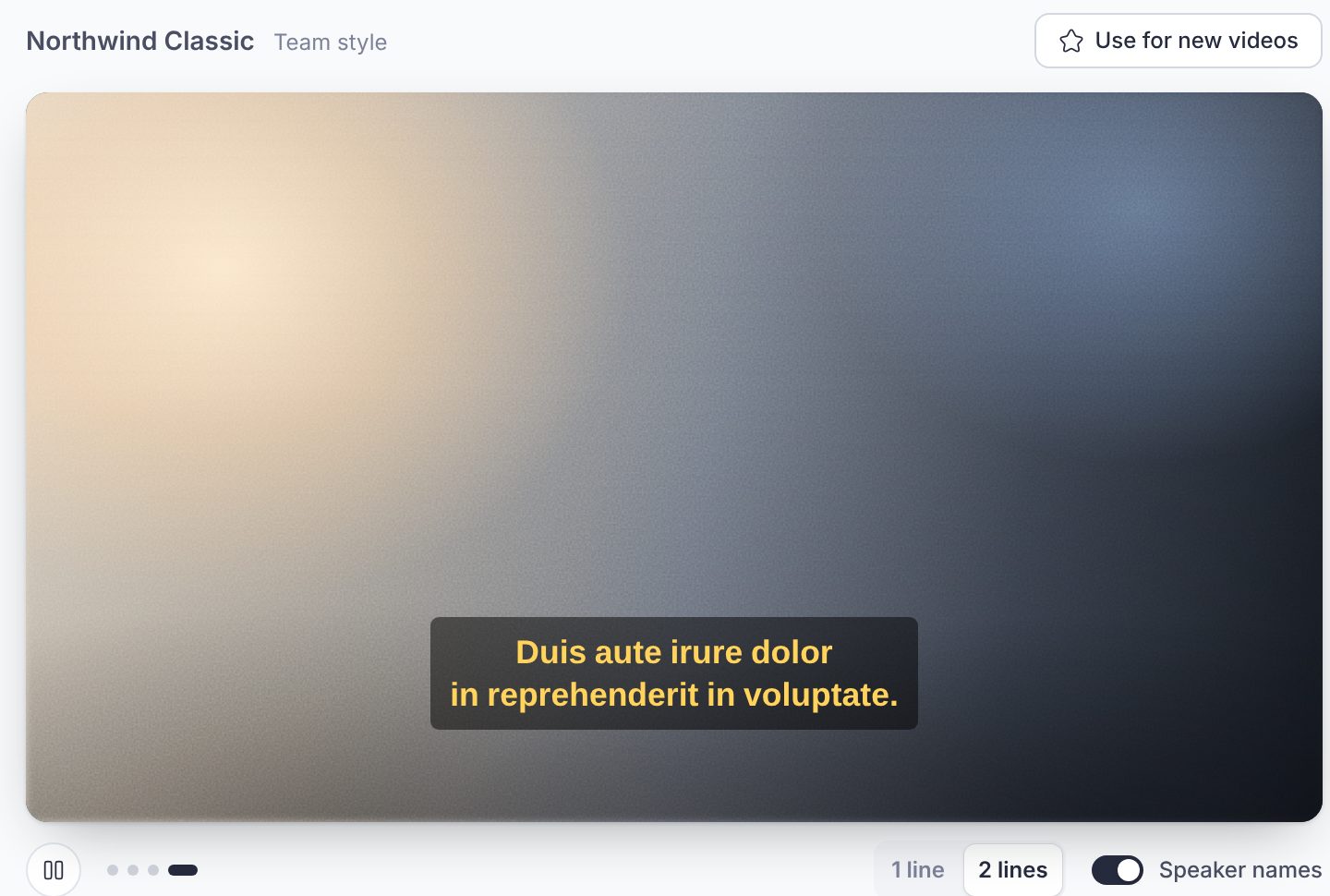
If you always want the same look, save it: once you change anything, the bottom of the panel offers Save…. Name the style and it is stored with the workspace, so everyone in a shared workspace can pick it from the Presets tab. Then open Workspace Settings, Caption styles, select the style and click Use for new videos. New videos in that workspace start from it; any video can still be restyled in the editor.
Fonts available in Fluen
Seventy-two fonts, all of them free to use in your exports.
| A to G | H to M | N to R | S to Z |
|---|---|---|---|
| Alatsi Albert Sans Amatic SC Anton Arial Arial Unicode MS Arvo Barlow Bebas Neue Black Han Sans Cabin Cairo Caveat Commissioner DM Sans Figtree Fraunces Geist |
Hanken Grotesk Heebo Hind IBM Plex Sans Inconsolata Instrument Sans Instrument Serif Inter Kanit Lato Libre Franklin Livvic Lora M PLUS Rounded 1c Manrope Merriweather Sans Montserrat Mooli |
Newsreader Noto Sans Noto Sans Arabic Noto Sans HK Noto Sans JP Noto Sans KR Noto Sans SC Noto Sans TC Noto Serif Nunito Onest Open Sans Oswald Permanent Marker Playfair Display Plus Jakarta Sans Poppins Public Sans Quicksand Raleway Red Hat Display Roboto Roboto Condensed Roboto Medium Rubik |
Sarabun Schibsted Grotesk Shantell Sans Sora Source Sans 3 Source Serif 4 Spectral Ubuntu Verdana Work Sans ZCOOL XiaoWei |
Languages with their own script
Not every font contains every alphabet. For tracks in Chinese, Japanese, Korean, Cyrillic, Greek, Arabic, Hebrew, Thai, Devanagari or Vietnamese, the Popular group at the top of the font menu is replaced by a curated list for that script (for Cyrillic, for example: Roboto, Montserrat, Open Sans, Noto Sans, Rubik and Arial Unicode MS), and fonts that would show missing characters are moved to the Limited support group. When a track is created, Fluen also picks a suitable default font for its language, and the Classic preset keeps it. Other presets bring their own font: on a track in one of these scripts, check the captions after applying one, and if a letter looks wrong, pick a font from the Popular group in Customize.