

Zapier connects Fluen to thousands of other apps without any code. A Zap can start subtitles when a video lands in Google Drive, tell your team in Slack when a translation is ready, or file the finished subtitles in a shared folder. This guide shows how to connect your account and gives a few Zaps worth setting up. Connecting works on every Fluen plan, and Zapier's free plan is enough to get started.
Open the Zapier page in Settings
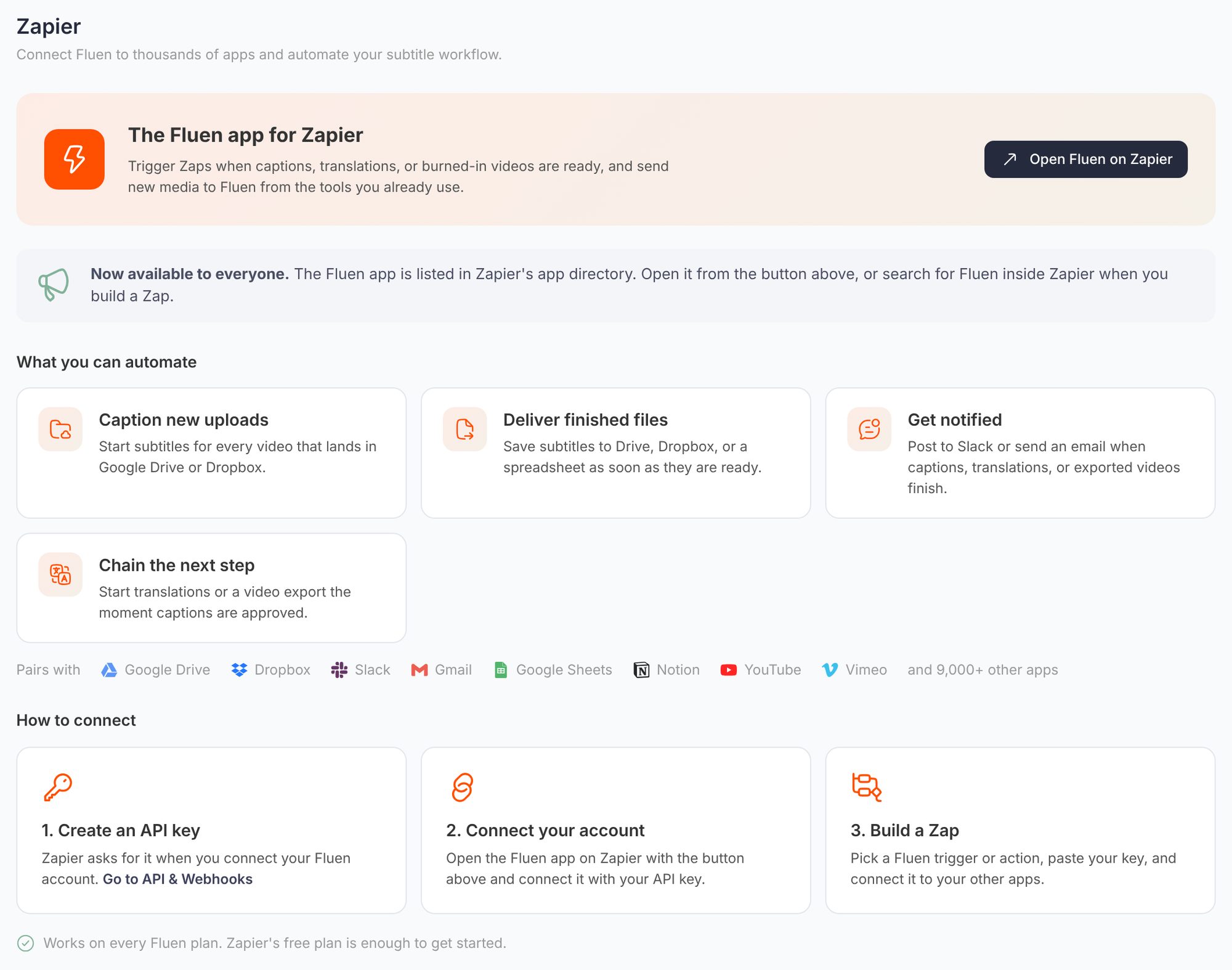
In Fluen Studio, open My Account from the left sidebar and choose Zapier in the settings menu. The page summarises what you can automate, the apps people pair with Fluen, and the three steps to connect. Open Fluen on Zapier takes you to the Fluen app in Zapier's app directory; you can also search for Fluen inside Zapier when you build a Zap.
Create an API key
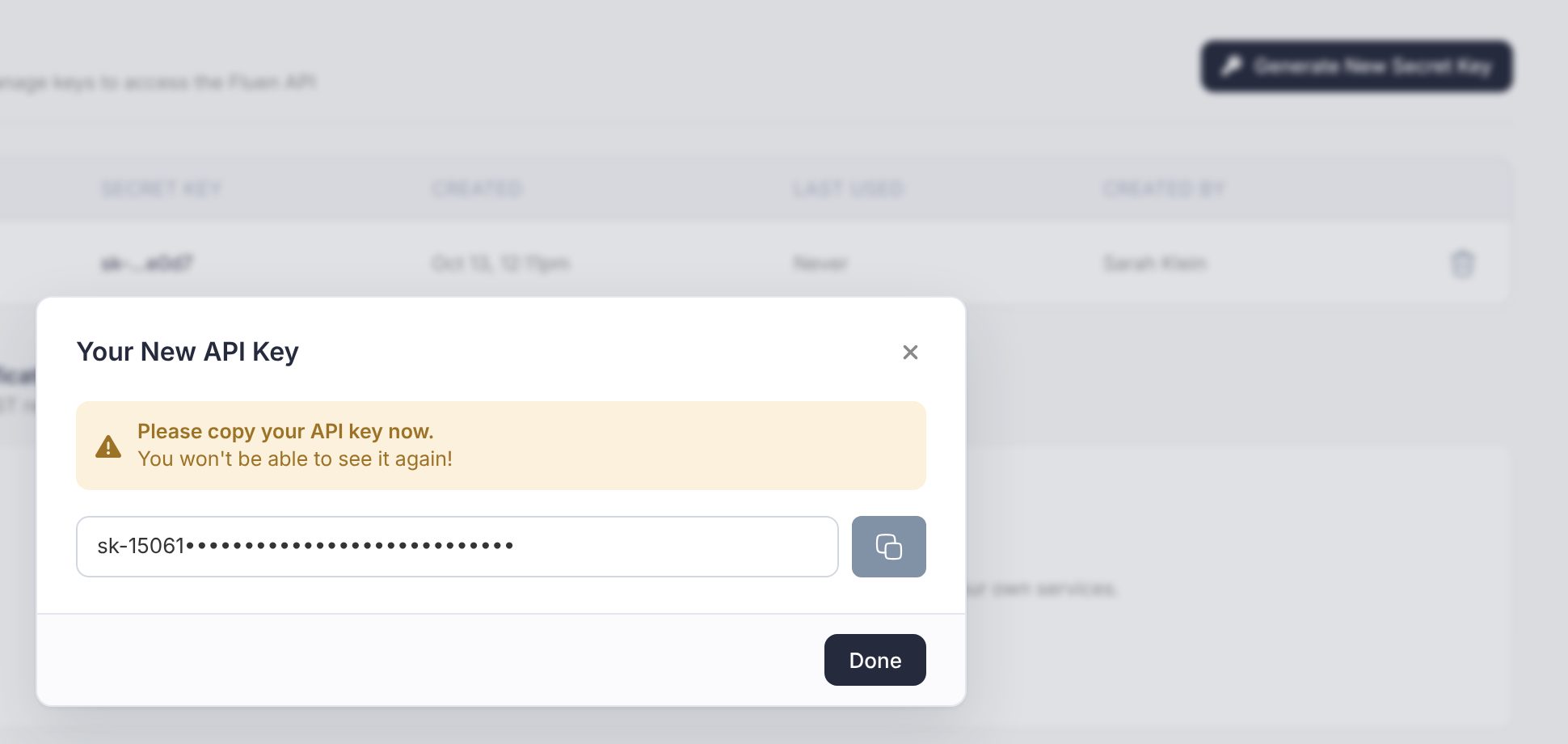
Zapier asks for an API key the first time you connect your Fluen account. In the settings menu, open API & Webhooks and click Generate secret key (or Generate New Secret Key if you already have one). Give it a name you will recognise, such as "Zapier", and click Generate Secret Key. Copy the key straight away: it is shown only once. The key is tied to your user and can act on all your account's workspaces, so keep it private.
Connect your account in Zapier
In Zapier, create a Zap and pick Fluen as the trigger or action app. When Zapier asks you to sign in to Fluen, paste the API key. The connection is saved in your Zapier account, so later Zaps can reuse it.
Build a Zap
Choose a Fluen trigger or action, connect it to your other apps, test it and switch it on. Fluen triggers fire as soon as the job finishes, so a Zap runs within seconds.
Zaps worth setting up
- Caption new uploads: a new video in a Google Drive or Dropbox folder starts subtitles in Fluen.
- Deliver finished files: when captions or translations are ready, save the subtitles to Drive, Dropbox or a spreadsheet.
- Get notified: post to Slack or send an email when captions, translations or an exported video finish.
- Chain the next step: start translations or a video export the moment captions are approved.
- Follow reviews: a new comment, an approval or a request for changes can post to Slack or your tracker. See Comments, reviews and approvals.
Good to know
- Everything a Zap starts is charged in credit minutes, exactly as if you had done it in Fluen Studio. See How Fluen pricing works. With auto top-up turned on, a job your balance doesn't cover tops up as it starts, so a Zap doesn't stop on a low balance.
- To cut off a connection, deactivate its key under API & Webhooks. Zaps that use it stop working until you connect a new key.
- If you prefer your own code, the same jobs are available through the Fluen API, and webhooks can notify your server when jobs finish.